
Resume an interrupted upload
Recover a saved draft and deal with connection or file errors.
Find your saved draft
The upload page saves files and match details on the current device. Open Matches, find the Drafts section, and choose Resume draft. An interrupted upload is labelled accordingly.
Use the same browser and device that created the draft. Browser storage is part of draft recovery, so clearing site data, using a different browser, or changing devices can prevent the draft from appearing.
Resume safely
- Restore a stable internet connection.
- Open the saved draft and review its current step.
- Reattach a file if the upload asks you to select it again.
- Check the match details and roster, then continue the upload.
- Keep the tab open while the transfer runs.
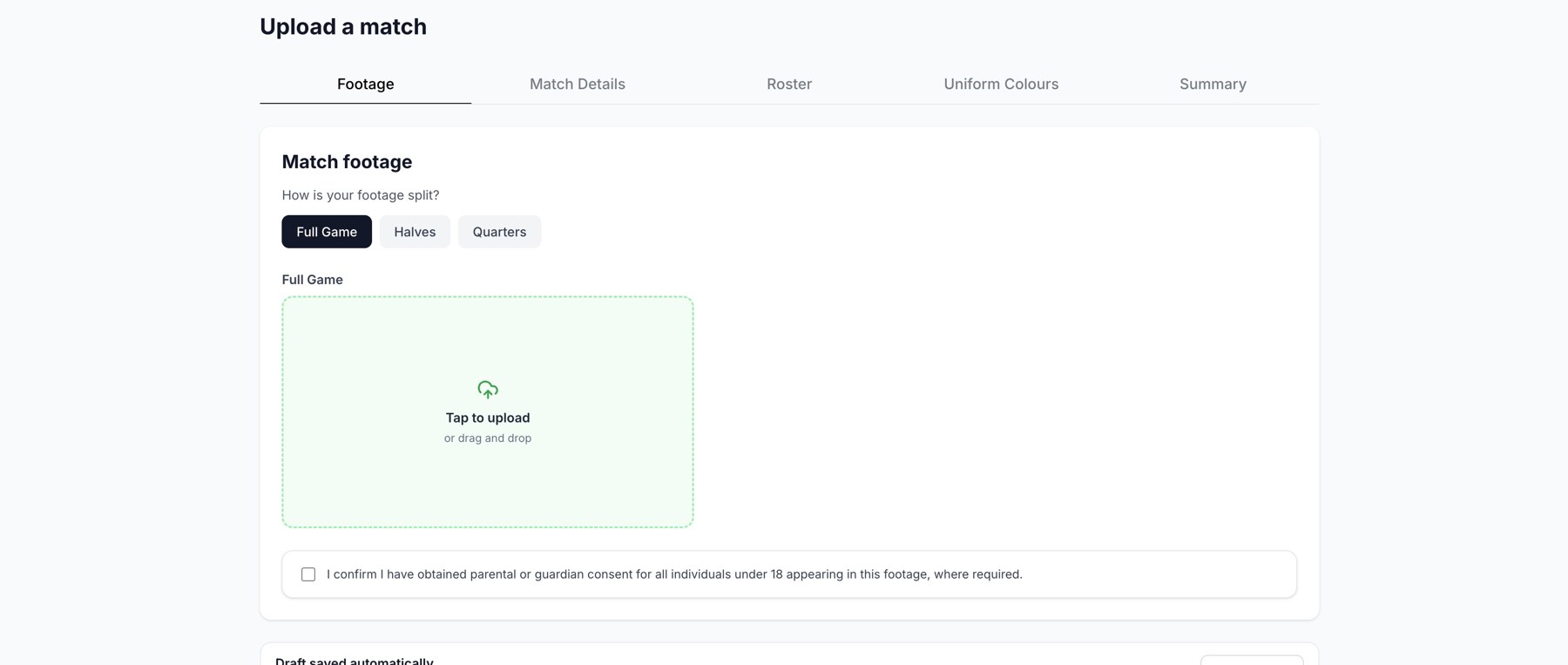
The Footage step of a regular dashboard upload.
Understand common messages
| Message | Next step |
|---|---|
| Connection interrupted or timed out | Use a stronger connection and resume the saved draft. |
| File too large | Compress or split the footage before uploading again. |
| Empty video | Wait for the cloud copy to download, then select it again or use Files. |
| Temporary server error or sync conflict | Retry the saved draft; contact support if it repeats. |
| No upload entitlement | Ask the owner to check Credits for the correct club. |
Discard a draft
Use the draft's delete action only when you no longer need it. Deleting a draft removes that saved upload work; it is different from opening a completed match. If recovery repeatedly fails, contact support with the error, file size, and step where it stops.
Related guides
Was this helpful?