
Set up your club and team
Complete onboarding, add another team, and switch between teams.

Submit your first game
The current signup flow starts with footage and account sign-in. Complete Your club with your club name and the team's jersey colours, then select Submit my game. Wait for the confirmation that the game is in before leaving.
Your first signup submission can proceed without a named roster. Players may initially appear by jersey number. This differs from the regular dashboard upload, which requires at least four assigned players.
Finish the optional setup
After the confirmation, continue to the optional setup screen. You can add the roster, add a team logo, and supply the game date and opponent. Use Maybe later — take me to my dashboard if you want to finish these later.
Add names and jersey numbers in Players. Update club and team details in Settings. Correct the game's opponent, date, or scores from its match details controls.
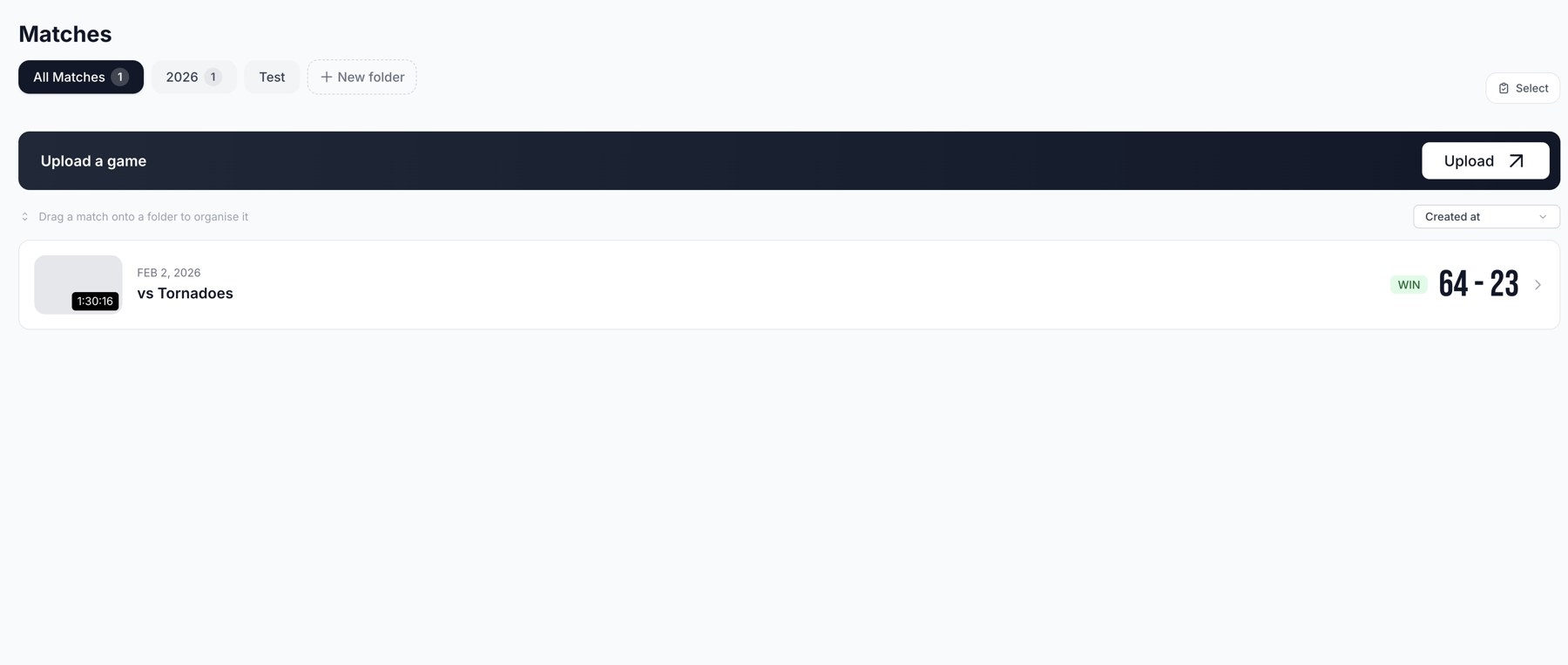
Matches: select the team, organise games, and open completed footage.
Find the right team
The sidebar shows the current club and team. Open the selector to switch between teams you can access. Use Add Team to start another team, following the fields shown in that flow. Check the selected team before uploading footage or editing its roster.
What happens next?
The confirmation explains that Superstat analyses the footage and emails you when stats and highlights are ready. Processing time varies with the footage and queue. Check Matches for status. When ready, review the game, link the roster correctly, and share the team code with players and parents.
Related guides
Was this helpful?