
Leave feedback on a player’s clip
Attach coaching notes to the exact play being discussed.
Add a note
Open a match, find a play linked to one of your team's players, and use its Add feedback control. Write a short note about what the player should notice, then choose Save.
A useful note points to the decision in the clip: for example, “Pause before the pass: the weak-side cutter is open.” Keep one clear coaching point per comment.
Review existing feedback
Use the Feedback panel to review plays with comments. A clip's feedback count indicates existing notes. Select the play to watch the moment alongside its discussion.
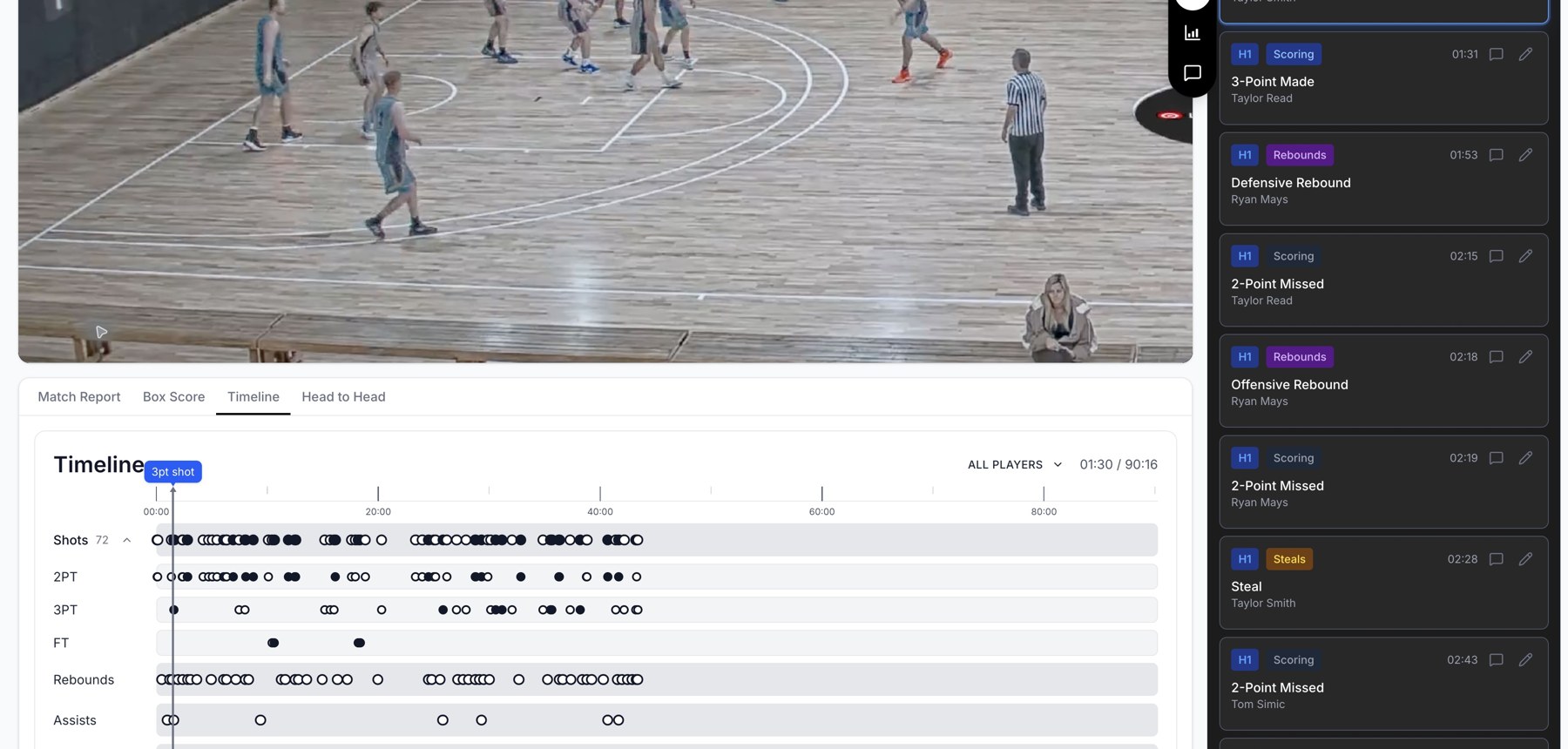
Game review combines footage, a clip list, and a timeline of events.
Edit or remove a comment
With editing access, open the comment's edit control, update the text, and save. Use its delete control when the comment is no longer needed. Editing a comment changes the coaching note; it does not correct the recorded stat.
Why a feedback control may be missing
Feedback editing is shown to users with team editing rights. The add-feedback action applies to a linked player on your team, so an opposition play or unassigned event may not offer it. Correct the player assignment first if the event belongs to your roster.
Related guides
Was this helpful?