
Analyse opposition, momentum, and scouting reports
Use both-team data to understand scoring swings and prepare for an opponent.

Check opposition analysis
Momentum and the Resources scouting report require opposition stats for the selected game. If you see “Opposition stats required”, check the game's analysis option and ask the club owner to review Credits. Having credits available is different from having opposition analysis completed for that match.
Explore Momentum
Open Resources > Momentum. The view uses score differential to show scoring runs, droughts, and changes in the game. Review the surrounding footage to understand the possessions behind a swing; the curve identifies when something happened, while the video helps explain why.
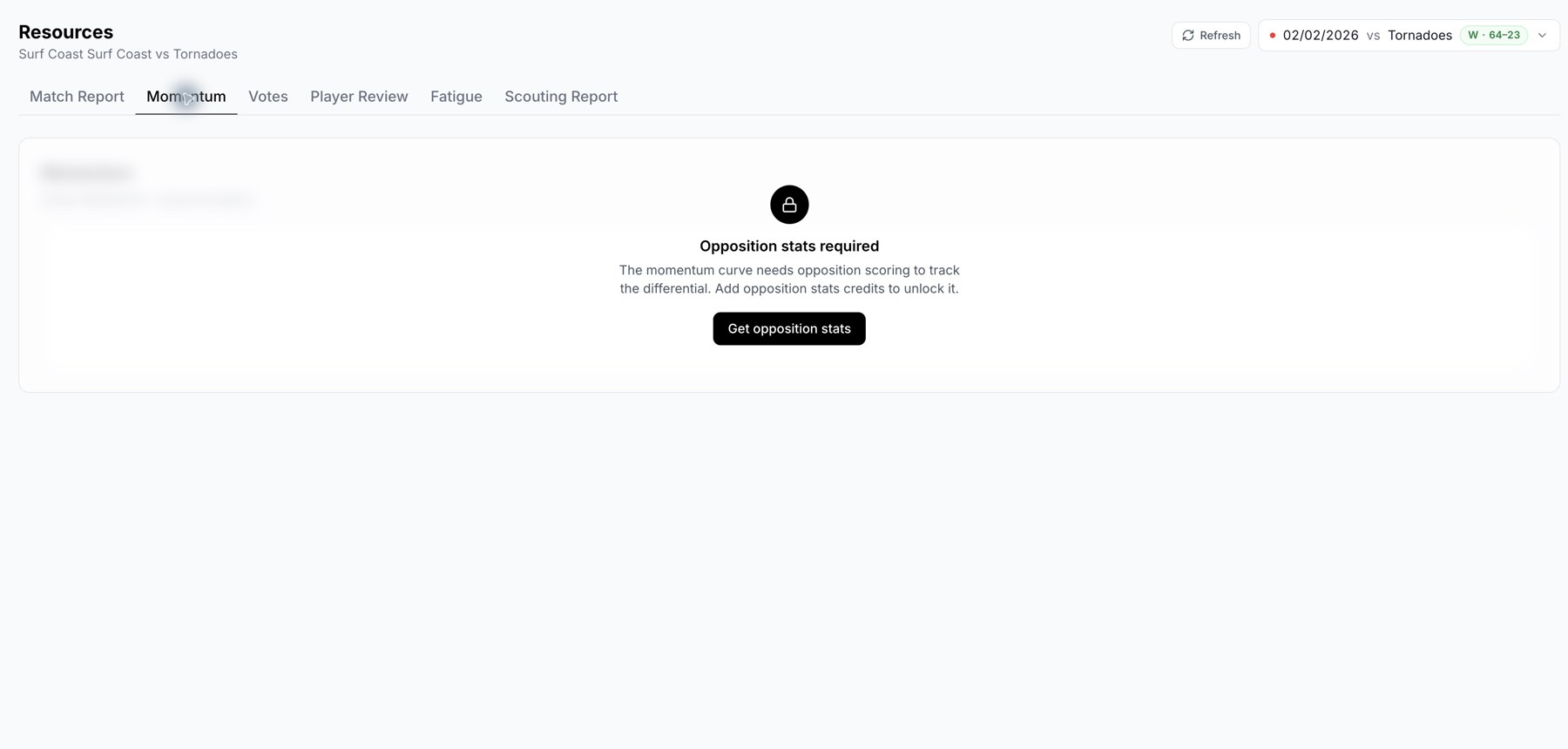
The Momentum screen explains when opposition analysis is required.
Read the scouting report
Open Resources > Scouting Report for the selected opponent. Review the games tracked, summary statistics, strengths, areas to target, and key players when available. Check the sample before planning around the report.
Use Regenerate when the source data has changed or the current report needs another attempt. Review the new result before sharing it with the team.
Other opposition views
Use Stats > Opposition Stats for the game's recorded numbers and Insights > Opposition for the available opponent analysis. If names are unclear, correct the opposition roster in the match viewer where editing is permitted.
Missing information
A game with only your team's analysis cannot supply a complete both-team comparison. Contact support if you purchased opposition analysis but the game still shows it as locked after processing.
Related guides
Was this helpful?