
Create player and match highlights
Build a reel from one player’s performance or the whole roster.
Choose a starting point
Open Highlights for the selected team. The Players view lets you browse performances, filter by match, or search for a player. The Teams view opens a reel containing plays across that game's roster.
Highlights need a completed game, playable footage, and player events linked to the roster. Club highlight exports are not part of the player-only account experience.
Build the playlist
- Open a player performance or a match.
- Review the available plays and their preview.
- Choose the
Stats to includecategories. - Tick the clips you want in the reel and untick the rest.
- Set
Seconds beforeandSeconds afterto control the clip window.
Changing the categories changes which plays are available. If the playlist is empty, enable another stat category or choose another completed game.
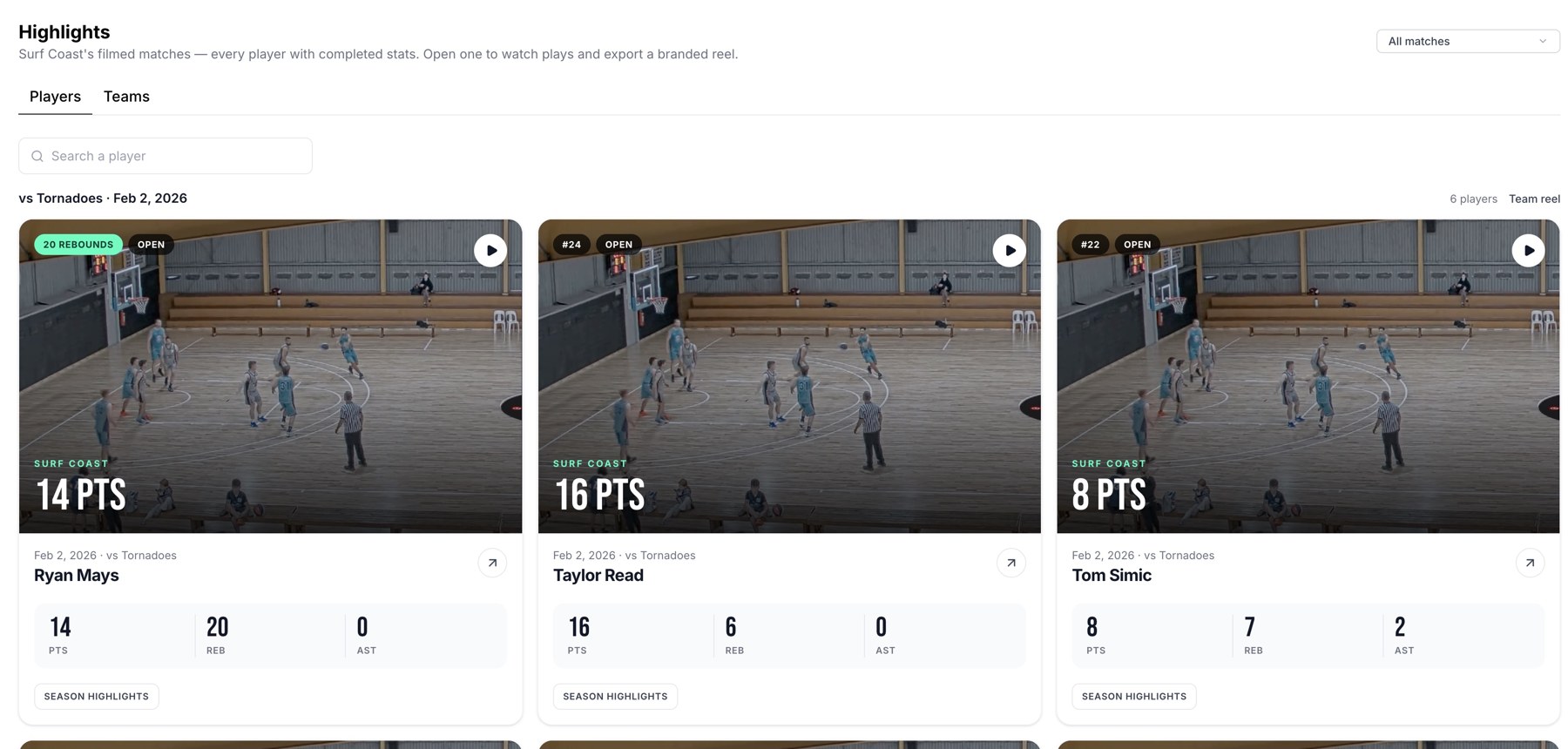
Browse player performances or use Teams to open a team reel.
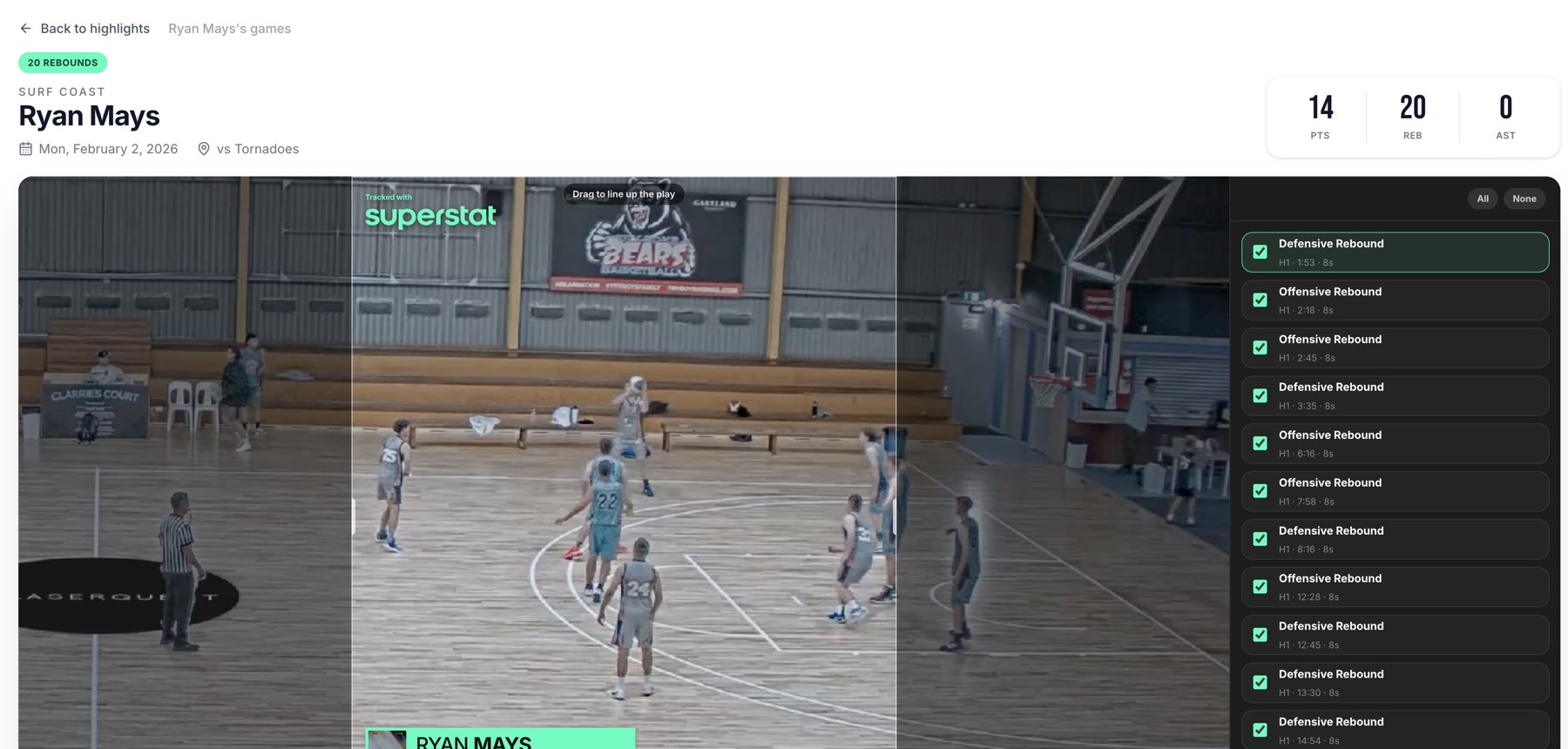
A player reel with footage and selectable moments.
Review the whole reel
Play through the selected clips before exporting. Check that the action is visible, the player is correctly identified, and the beginning and end of each clip contain enough context.
Finish the export
Choose the output size and crop, then review the player, team, and opponent graphic. Export as a branded video or ZIP. Each job includes up to 100 selected clips; if more are ticked, the screen warns that only the first 100 will be included.
Related guides
Was this helpful?